Preview this course
₹149 ₹399 63% off
incl. GST
left at this price!
Sign up to buy Already a member? Log in

7-day money-back guarantee


This course includes

  • 21h 28m of on-demand content
  • 76 lessons across 13 sections
  • 76 articles
  • Access on mobile and desktop
  • Certificate of completion
  • Lifetime access
Bestseller Recently updated Productivity

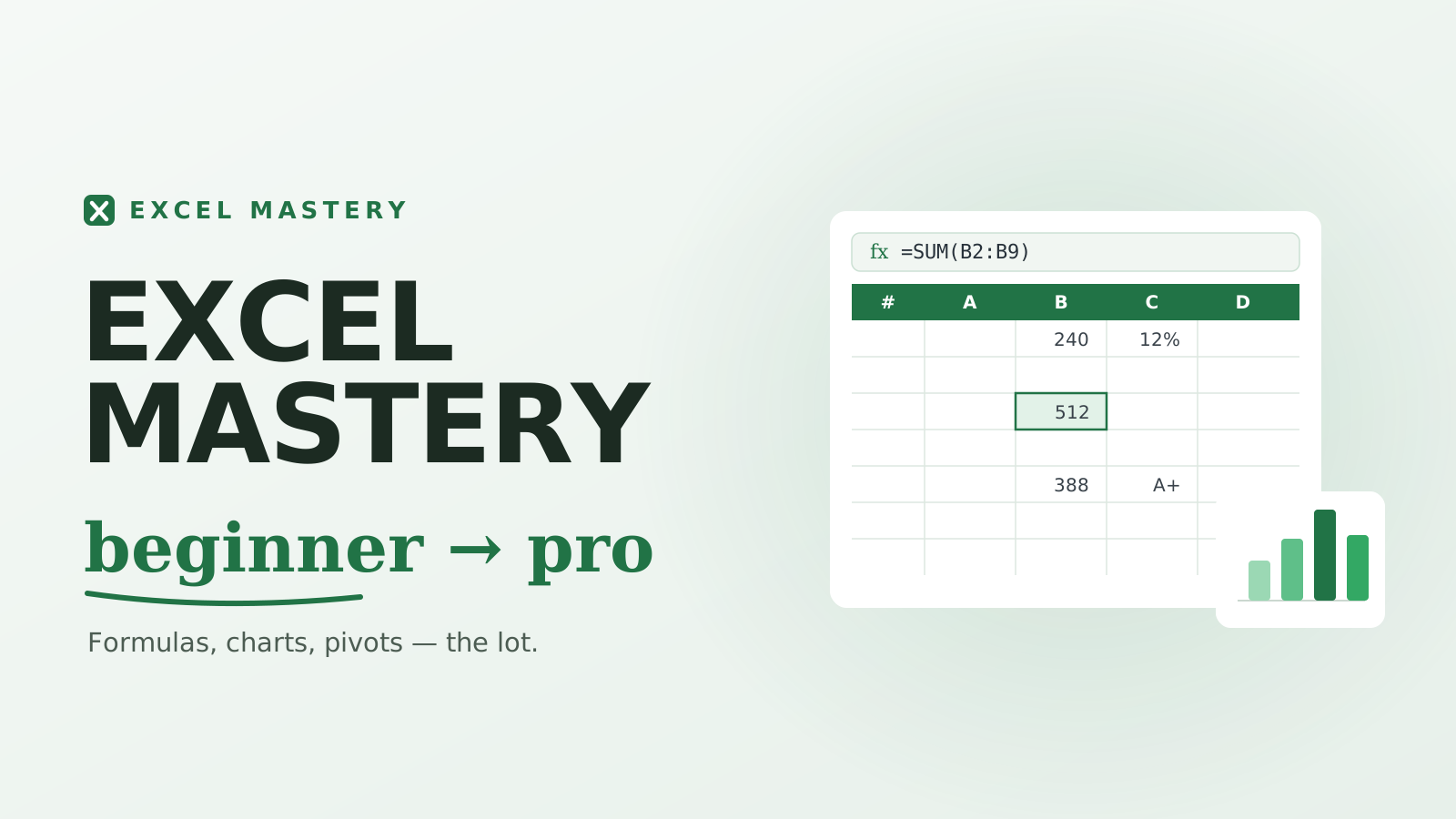
Excel Mastery: Beginner to Pro

From Data Entry to AI-Powered Business Intelligence — a Microsoft 365 course.

4.8 (sample rating) Created by Adam Caldwell
Beginner 76 lessons 21h 28m Updated May 2026 English
Preview this course
₹149 ₹399 63% off
incl. GST
left at this price!
Sign up to buy Already a member? Log in

7-day money-back guarantee


This course includes

  • 21h 28m of on-demand content
  • 76 lessons across 13 sections
  • 76 articles
  • Access on mobile and desktop
  • Certificate of completion
  • Lifetime access

What you'll learn

Navigate Excel confidently and build clean, professional spreadsheets
Write formulas and functions — IF logic, lookups, text and date functions
Clean and prepare messy real-world data for analysis
Analyze data with sorting, filtering, Tables, and PivotTables
Master modern lookups: VLOOKUP, INDEX/MATCH, and XLOOKUP
Build interactive dashboards and choose the right chart every time
Automate work with Power Query, Power Pivot, DAX, and VBA macros
Use Copilot and ChatGPT for Excel — and verify their output
Curriculum

Course content

13 sections · 76 lessons · 21h 28m

Navigating Excel Like a Pro 16 min
Data Entry Essentials 16 min
Formatting Like a Professional 16 min
Working With Large Sheets 16 min
Managing Worksheets & Workbooks 16 min

Understanding Formulas 14 min
Essential Functions 14 min
IF Function Fundamentals 12 min
Relative vs Absolute References 16 min
Nested IF, IFS & SWITCH 16 min
AND, OR, NOT 15 min
Error Handling & Formula Auditing 16 min
Named Ranges 15 min
Text Functions 16 min
Date & Time Functions 18 min

Common Data Problems 16 min
Flash Fill Magic 14 min
Text to Columns 14 min
Remove Duplicates & Data Quality 16 min
Data Validation 16 min
Conditional Formatting 18 min

Sorting Data 14 min
Filtering Data 16 min
Excel Tables 16 min
Subtotals & Grouping 16 min
Pivot Tables Introduction 16 min
Advanced Pivot Tables 20 min
Pivot Charts 16 min

VLOOKUP Fundamentals (+ HLOOKUP) 16 min
Common VLOOKUP Mistakes & Fixes 16 min
INDEX & MATCH 16 min
XLOOKUP (Modern Excel) 16 min
Dynamic Lookup Systems 18 min

Conditional Aggregation: SUMIFS, COUNTIFS, AVERAGEIFS 16 min
Dynamic Arrays: FILTER, SORT, UNIQUE 18 min
SEQUENCE, RANDARRAY & Spill Techniques 18 min
LET — Cleaner, Faster Formulas 16 min
LAMBDA — Build Your Own Functions 18 min

Chart Fundamentals — Choosing the Right Chart 16 min
Column, Bar & Line Charts 16 min
Pie, Donut & Combo Charts 16 min
Modern Chart Types 16 min
KPI Design Principles 16 min
Interactivity: Slicers & Timelines 16 min
Dashboard Design Framework 18 min

Introduction to Power Query 16 min
Importing Data 18 min
Data Transformation 18 min
Merge & Append Queries 16 min
Automation Workflows 18 min

Why the Data Model? 16 min
Relationships & Star Schema Basics 18 min
Intro to DAX Measures 18 min
Power Pivot Dashboards 18 min

Recording Macros 16 min
VBA Basics 16 min
Variables & Loops 18 min
IF Statements & Logic in VBA 20 min
User Forms & Buttons 18 min
Automating Reports 18 min

Keyboard Shortcuts — Work at the Speed of Thought 18 min
Financial Functions & Modeling 20 min
Forecasting & Trends 20 min
What-If Analysis 18 min
Goal Seek & Solver 18 min
Protecting & Sharing Workbooks 18 min
Excel Best Practices 18 min
Interview & Real-World Tasks 18 min

Meet Copilot in Excel 16 min
Copilot for Formulas & Analysis 18 min
Copilot for Charts & Dashboards 16 min
ChatGPT as Your Excel Assistant 16 min
Verifying AI Output (Guardrails) 16 min

Final Capstone: NorthPeak Business Intelligence Dashboard 45 min
Appendix: Reference Library 15 min

Requirements

  • No prior Excel experience needed — it starts from your first cell
  • Microsoft 365 / Excel on Windows (most lessons apply to Mac too)
  • A willingness to follow along with the NorthPeak Retail examples

Description

What you'll learn

A complete, story-driven Microsoft 365 Excel course that takes you from your very first cell to automated, AI-assisted business intelligence. Every one of the 74 lessons is set inside a real working year at NorthPeak Retail, a growing outdoor-gear company — so you learn each skill the moment you'd genuinely need it on the job.

The five levels

  1. Learn Excel (Sections 1–2) — foundations, confidence, formulas and functions.
  2. Clean & Analyze (Sections 3–4) — turn messy exports into trustworthy data, then sort, filter, Table, and pivot it.
  3. Lookups & Power Functions (Sections 5–6) — VLOOKUP, INDEX/MATCH, XLOOKUP, dynamic arrays, LET and LAMBDA.
  4. Dashboards, Automation & BI (Sections 7–10) — charts and dashboards, Power Query, Power Pivot and DAX, and VBA macros.
  5. Pro & AI (Sections 11–12) — senior-analyst polish, financial modeling, and using Copilot and ChatGPT for Excel the right way.

Capstone & reference

The course ends with a full capstone project — clean, model, automate and present a 100,000-row NorthPeak dataset as an executive dashboard — plus an appendix reference library of shortcuts, functions, and error fixes to keep open while you work.

Who this is for

Anyone who wants to truly master Excel — students, office professionals, analysts, and career changers. Start at zero; finish as the person everyone forwards their spreadsheets to.

Your instructor
A

Adam Caldwell

Author & instructor

4.8 rating 9 courses

Creates rigorous, project-based courses that prioritize shipping over watching. Reach out with feedback once you finish — that loop is half the value.

4.8 course rating · sample reviews

M
Michael T.

“Phenomenal course. Complex ideas are explained with real clarity, and the projects actually reflect industry work instead of toy examples.”

E
Elena R.

“Great content and very comprehensive. A few early sections move quickly, but overall it's excellent value and goes genuinely deep.”

Frequently asked questions

Yes — once you enroll, the course is yours to revisit forever. New revisions and bonus lessons are added at no extra cost.

Finish every lesson and you'll unlock a shareable certificate you can post on LinkedIn or include with job applications.

If the course isn't a fit, request a refund within 7 days of purchase — no questions asked.

Code, slides, and worksheets are downloadable on each lesson page. Videos stream from our CDN so you can watch on any device.

Each course states its level in the hero. If you're comfortable with the prerequisites listed, you're ready to start.

Students also bought

₹149 ₹399
Sign up to buy