Preview this course
₹199 ₹349 43% off
incl. GST
left at this price!
Sign up to buy Already a member? Log in

7-day money-back guarantee

Bestseller Recently updated DevOps · Programming

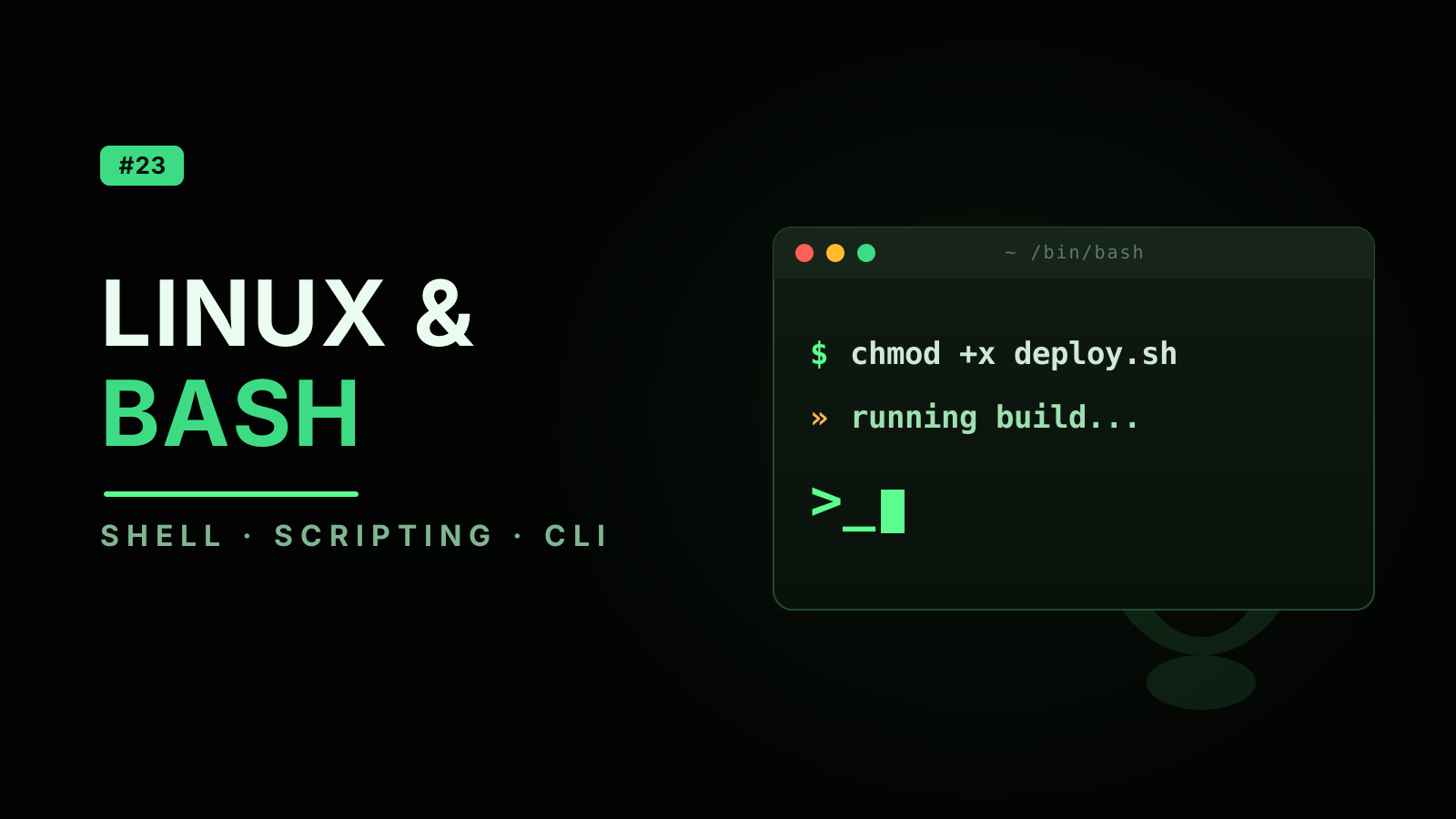
Linux & Bash Scripting: From Beginner to Automation Engineer

Go from absolute beginner to confident Linux user and shell-automation engineer — master the command line, files and permissions, text processing, robust Bash scripting, cron automation, and real system administration.

4.1 (71 ratings) Created by Kai Andersson
Beginner 89 lessons 45h 50m Updated Jun 2026 English
Preview this course
₹199 ₹349 43% off
incl. GST
left at this price!
Sign up to buy Already a member? Log in

7-day money-back guarantee

What you'll learn

Navigate and operate any Linux system entirely from the command line
Manage files, permissions, users, processes, and services with confidence
Slice and transform text and log data using grep, sed, awk, and pipelines
Write robust, reusable, well-tested Bash scripts with proper error handling
Automate routine tasks with cron and ship admin-grade monitoring and backup tooling
Build four portfolio-grade capstone projects that mirror real DevOps and sysadmin work

This course includes

45h 50m of on-demand content
89 lessons across 18 sections
Access on mobile and desktop
Certificate of completion
Lifetime access
Curriculum

Course content

18 sections · 89 lessons · 45h 50m

Welcome to the Course Preview 15 min
What is Linux? Preview 25 min
Editing Files in the Terminal 30 min
Section Quiz · Welcome & Course Introduction 15 min

Understanding the Linux Architecture 25 min
Navigating the Linux File System 30 min
Essential Navigation Commands 30 min
Getting Help in Linux 25 min
Section Quiz · Linux Fundamentals 14 min

Creating and Managing Files 35 min
Creating and Managing Directories 25 min
Viewing File Content 30 min
Searching Files and Directories 35 min
Wildcards, Globbing & Brace Expansion 25 min
Links and Archiving 35 min
Section Quiz · Working with Files and Directories 15 min

Linux Users and Groups 30 min
File Permissions Explained 35 min
Managing Permissions 30 min
Special Permissions 25 min
Section Quiz · Understanding File Permissions 15 min

Text Processing Fundamentals 25 min
Working with grep 40 min
Sorting and Processing Data 35 min
Advanced Text Processing 45 min
Section Quiz · Working with Text Files 14 min

Understanding Processes 25 min
Monitoring Processes 30 min
Managing Processes 30 min
System Monitoring Essentials 35 min
Section Quiz · Linux Processes and System Monitoring 15 min

What is a Shell? 25 min
Shell Environment 35 min
Command History and Productivity 25 min
Input and Output Redirection 40 min
Section Quiz · Shell Fundamentals 15 min

Understanding Pipelines 25 min
Combining Commands Effectively 40 min
Working with xargs 30 min
Section Quiz · Pipes and Filters 13 min

Your First Shell Script 30 min
Variables and Data Types 35 min
Arithmetic Operations 25 min
User Input and Arguments 35 min
Section Quiz · Bash Scripting Fundamentals 14 min

Conditional Statements 35 min
Case Statements 25 min
Loops 35 min
Loop Control 25 min
Section Quiz · Control Flow in Shell Scripts 14 min

Creating Functions 30 min
Building Reusable Scripts 30 min
Error Handling 40 min
Section Quiz · Functions and Modular Scripting 13 min

Arrays 30 min
String Manipulation 30 min
Advanced File Processing 35 min
Regular Expressions in Bash 30 min
Section Quiz · Advanced Shell Scripting 14 min

Task Automation 25 min
Cron Jobs 40 min
System Maintenance Scripts 35 min
Section Quiz · Automation and Scheduling 14 min

Automated Backup System 50 min
Log Analysis Tool 50 min
System Health Monitor 50 min
User Management Automation 45 min
File Organization Utility 45 min
Section Quiz · Real-World Shell Scripting Projects 14 min

Package Management 35 min
Service Management 35 min
Networking Basics 40 min
SSH and Remote Administration 40 min
Section Quiz · Linux Administration Essentials 14 min

Script Design Principles 30 min
Shell Scripting Best Practices 35 min
Debugging Techniques 30 min
Preparing for Real-World Work 30 min
Section Quiz · Professional Shell Scripting Practices 14 min

Project 1 — Linux System Administration Toolkit 150 min
Project 2 — Server Monitoring Dashboard 150 min
Project 3 — Automated Deployment Script 150 min
Project 4 — Enterprise Log Analytics Solution 150 min

Course Summary 20 min
Next Steps 20 min
Bonus Resources 15 min
Section Quiz · Course Wrap-Up 10 min
Final Assessment 16 min

Requirements

  • Basic computer literacy — no prior Linux or programming experience required
  • A computer where you can run Linux — WSL on Windows, a VirtualBox/VMware VM, or a small cloud server
  • Curiosity and a willingness to type commands and experiment

Description

What you'll learn

A complete, beginner-friendly path into Linux and Bash — the operating system that runs most of the internet and the shell language that automates work on it. You start from "what even is a terminal?" and finish writing admin-grade scripts that back up data, monitor system health, and run themselves on a schedule. Every section builds on the last, so the skills connect into one coherent craft instead of a pile of disconnected commands.

The journey

You begin by getting a real Linux environment and learning to move around the filesystem, manage files and permissions, and edit files in the terminal. From there you master text processing with grep, sort, awk, and sed, watch and control processes, and learn the shell itself — environment, history, and redirection. Then you climb into Bash scripting: variables, conditionals, loops, functions, error handling, arrays, and regular expressions — before automating everything with cron and building real system-maintenance tooling.

Capstone projects

The course finishes with four portfolio-grade capstones that mirror real DevOps and sysadmin work: a menu-driven system administration toolkit, a server monitoring dashboard, an automated deployment script with rollback, and an enterprise log analytics solution. Each one welds together everything you learned into a tool you could actually keep in your ~/bin.

Who this is for

Beginners and career-switchers who want a clear, complete route into Linux, DevOps, and cloud engineering — developers, aspiring sysadmins, and CS students alike. No prior Linux or programming experience is required; the command line and the Bash you need are taught from scratch.
Your instructor
K

Kai Andersson

Ethical Hacking & SecOps Engineer · 12 yrs · Lead Penetration Tester, ex-Red Team

4.1 course rating 3 courses

Kai has spent 12 years on the offensive side of security — running red-team engagements, chaining recon into exploitation, and writing the reports that actually get vulnerabilities fixed. He lives on the Linux command line, automating tradecraft in Bash, and teaches security the way it is really practised: hands-on, methodical, and strictly ethical, so you understand the attacker mindset well enough to defend against it.

4.1 course rating · 71 ratings

P
Prof. Lonnie Daugherty
3 months ago

Outstanding course. The structure is fantastic and the instructor clearly knows the subject inside and out.

Helpful?
E
Elfrieda Carroll
4 weeks ago

The best money I have spent on learning this year. Clear, modern, and no fluff.

Helpful?
M
Melyna Kunze Sr.
6 months ago

Average. The instructor is clear, but a few more concrete examples would have helped a lot.

Helpful?
L
Lucie Oberbrunner
1 year ago

Really solid course. A couple of sections felt a little rushed, but overall excellent value.

Helpful?

Frequently asked questions

Yes — once you enroll, the course is yours to revisit forever. New revisions and bonus lessons are added at no extra cost.

Finish every lesson and you'll unlock a shareable certificate you can post on LinkedIn or include with job applications.

If the course isn't a fit, request a refund within 7 days of purchase — no questions asked.

Code, slides, and worksheets are downloadable on each lesson page. Videos stream from our CDN so you can watch on any device.

Each course states its level in the hero. If you're comfortable with the prerequisites listed, you're ready to start.

Students also bought

Advanced
System Design

Domain-Driven Design Masterclass

4.2 (49)

Turn tangled, ever-changing business rules into software that is a pleasure to extend. Learn st...

27h 59m Thomas Berger
₹299
₹199 ₹349
Sign up to buy