Preview this course
₹199 ₹399 50% off
incl. GST
left at this price!
Sign up to buy Already a member? Log in

7-day money-back guarantee

Bestseller Recently updated Technology

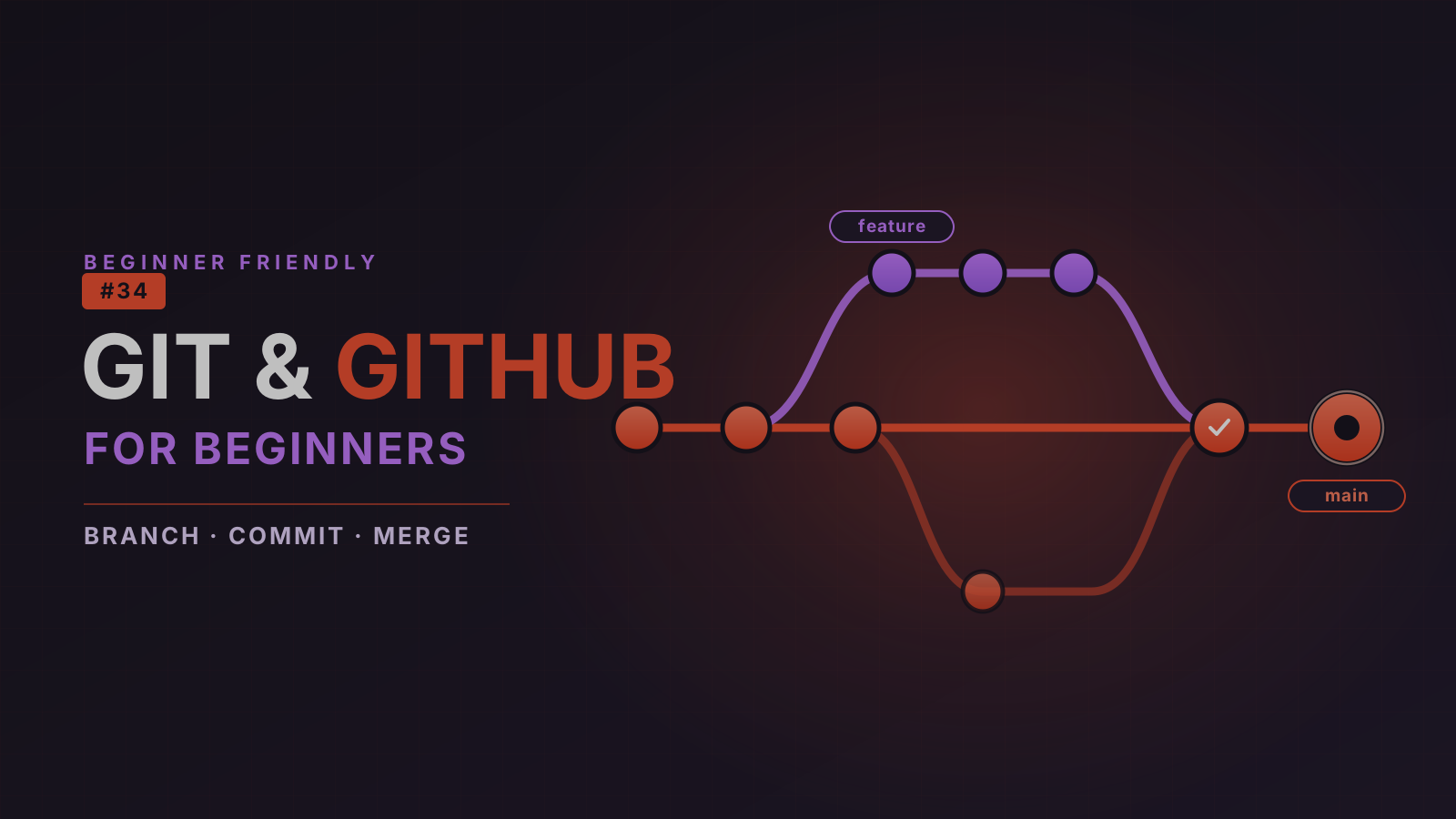
Git & GitHub for Beginners: Master Version Control Without Fear

Go from never having used version control to tracking your work confidently, collaborating on GitHub, and publishing a portfolio you are proud to share — all without drowning in jargon.

3.9 (43 ratings) Created by David Okafor
Beginner 117 lessons 25h 12m Updated Jun 2026 English
Preview this course
₹199 ₹399 50% off
incl. GST
left at this price!
Sign up to buy Already a member? Log in

7-day money-back guarantee

What you'll learn

Use Git confidently to track changes, commit your work, and never lose code again
Create and switch between branches, then merge work back together safely
Read, understand, and resolve merge conflicts calmly — and undo mistakes without panic
Connect a local repository to GitHub and push, pull, clone, and fetch with confidence
Collaborate on real projects with forks, issues, and pull requests in a team workflow
Build a professional GitHub profile and portfolio, and publish a live site with GitHub Pages

This course includes

25h 12m of on-demand content
117 lessons across 17 sections
Access on mobile and desktop
Certificate of completion
Lifetime access
Curriculum

Course content

17 sections · 117 lessons · 25h 12m

Welcome to the Course Preview 9 min
Why Learn Git and GitHub? Preview 11 min
Course Project Overview 12 min

What Is Version Control? 13 min
Life Before Git 12 min
Centralized vs Distributed Version Control 13 min
Git vs GitHub: Understanding the Difference 12 min
Key Git Terminology Explained 13 min
Section Quiz · Understanding Version Control 7 min

Terminal / Command-Line Primer 14 min
Installing Git on Windows 13 min
Installing Git on macOS 12 min
Installing Git on Linux 12 min
Verifying Installation 10 min
First-Time Git Configuration 14 min
Your First Git Command 12 min
Practice Exercise 20 min

What Is a Repository? 11 min
Creating a Local Repository 13 min
Understanding the Git Workflow 11 min
Working Directory, Staging Area, and Repository 13 min
Visualizing How Git Stores Changes 11 min
Create Your Portfolio Repository 20 min

Creating Files 12 min
Checking Repository Status 13 min
Staging Changes 13 min
Making Your First Commit 13 min
Viewing Commit History 13 min
Understanding Commit Messages 12 min
Best Practices for Commits 11 min
Ignoring Files with .gitignore 13 min
Coding Exercise 22 min
Section Quiz · Tracking Changes with Git 7 min

Why Git Makes Mistakes Safe 11 min
Unstaging Files 13 min
Discarding Uncommitted Changes 12 min
Amending Commits 13 min
Restoring Previous Versions 14 min
Common Recovery Scenarios 12 min
Practice Lab: Make Mistakes On Purpose 22 min

What Are Branches? 10 min
Why Developers Use Branches 11 min
Creating Branches 14 min
Switching Between Branches 14 min
Making Changes in Different Branches 14 min
Merging Branches 14 min
Deleting Branches 13 min
Hands-On Project: A Full Branch Workflow 22 min
Section Quiz · Working with Branches 7 min

What Is a Merge Conflict? 11 min
Creating a Conflict Intentionally 15 min
Reading Conflict Markers 12 min
Resolving Conflicts Step by Step 15 min
Best Practices to Avoid Conflicts 11 min
Practice Exercise 22 min

What Is GitHub? 11 min
Creating a GitHub Account 12 min
Exploring the GitHub Interface 12 min
Creating a GitHub Repository 14 min
Public vs Private Repositories 11 min
Understanding Repository Pages 12 min
Section Quiz · Getting Started with GitHub 7 min

Local vs Remote Repositories 11 min
Authenticating with GitHub 14 min
Connecting a Local Repository to GitHub 13 min
Pushing Code to GitHub 13 min
Viewing Changes Online 10 min
Making Updates and Pushing Again 13 min
Hands-On Exercise 22 min

What Is Cloning? 12 min
Cloning Existing Repositories 14 min
Understanding Pull 13 min
Fetch vs Pull 13 min
Keeping Local Repositories Updated 12 min
Practice Lab: Clone, Change, and Pull 22 min

Team Collaboration Basics 13 min
Forking Repositories 14 min
Working with Issues 13 min
Understanding Pull Requests 12 min
Creating Your First Pull Request 14 min
Reviewing Changes 13 min
Merging Pull Requests 13 min
Resolving Review Feedback 13 min
Collaboration Exercise 24 min
Section Quiz · Collaborating with Others 6 min

Why Your GitHub Profile Matters 11 min
Markdown Basics 13 min
Creating a Great README 14 min
Creating a Profile README 13 min
Pinning Repositories 11 min
Organizing & Showcasing Your Work 12 min
Publishing with GitHub Pages 14 min
Mini Project: Make Your Profile Shine 22 min

How Teams Actually Use Git 12 min
Feature Branch Workflow 14 min
Typical Development Cycle 13 min
From Task to Merge 13 min
Common Daily Git Commands 13 min
Workflow Simulation Exercise 22 min

Writing Better Commit Messages 13 min
Organizing Branches 13 min
Repository Structure 13 min
Avoiding Common Beginner Mistakes 13 min
Git Habits for Productivity 12 min

Project Requirements 11 min
Initialize Repository 16 min
Track Changes with Commits 15 min
Create Feature Branches 16 min
Merge Features 16 min
Push to GitHub 15 min
Create a Pull Request 16 min
Publish Final Project 16 min

What to Learn After This Course 10 min
Advanced Git Topics Preview 10 min
Course Wrap-Up 9 min
Congratulations 🎉 9 min

Requirements

  • Basic computer skills — creating files and folders, installing free software
  • No prior Git, GitHub, or command-line experience required
  • A computer running Windows, macOS, or Linux

Description

Version control is the single most important tool a developer can learn — and for most beginners it is also the scariest. This course removes the fear. Starting from zero, you will learn Git (the tool on your computer) and GitHub (the place to store and share your work) the way they are actually used on real projects, with plain language, lots of diagrams, and a hands-on portfolio project that grows with you.

Every concept follows the same beginner-friendly rhythm — concept → demo → hands-on → checkpoint — so you are never just reading theory. By the end you will track your work confidently, never lose code again, collaborate with others, and have a GitHub profile you are proud to share.

What you'll learn

  • The foundations — what version control is, how Git differs from GitHub, and the core vocabulary
  • Setup — installing and configuring Git on Windows, macOS, or Linux, plus a gentle command-line primer
  • The everyday workflow — creating repositories, staging, committing, writing good commit messages, and .gitignore
  • Undoing mistakes — unstaging, discarding changes, amending commits, and restoring previous versions without panic
  • Branching & merging — creating branches, switching, merging, and reading and resolving merge conflicts
  • GitHub — creating an account and repositories, connecting your local repo, and pushing, pulling, cloning, and fetching
  • Collaboration — forks, issues, and the full pull-request lifecycle: open, review, and merge
  • Your profile — Markdown, READMEs, a profile README, pinned repositories, and publishing a live site with GitHub Pages
  • Real-world habits — the feature-branch workflow, the daily development cycle, and best practices that keep teams productive

What you'll build

A running project — "My Dev Portfolio" — threads through the entire course: you initialize it, commit to it, branch and merge it, push it to GitHub, open a pull request, and publish it live. The final section is a full capstone that ties every skill together from git init to a published site.

Who it's for

Complete beginners, students, and new developers — as well as designers, analysts, and anyone who works with files and wants a reliable history of their work. No prior Git, GitHub, or command-line experience is required; only basic computer skills. You finish ready to use Git and GitHub every day with confidence.

Your instructor
D

David Okafor

DevOps & CI/CD Engineer · 12 yrs · Platform Lead, Northwind Cloud

3.9 course rating 4 courses

David has spent 12 years turning fragile, manual deployments into calm, automated pipelines. He has run platform and SRE teams across fintech and SaaS, and teaches CI/CD the way he wishes someone had taught him — starting from a single green build and growing out.

3.9 course rating · 43 ratings

P
Prof. Estella Gutkowski MD
9 months ago

Great content and well organised. I would have loved a few more practice exercises.

Helpful?
K
Kassandra Jenkins
1 month ago

Fine for the fundamentals, but the pacing was uneven and a couple of topics were glossed over.

Helpful?
M
Marvin Hyatt V
3 days ago

Absolutely worth it. The instructor breaks down complex topics into bite-sized lessons that actually stick.

Helpful?
A
Abbigail Williamson II
7 months ago

Frustrating experience — examples that did not work and explanations that left me more confused.

Helpful?

Frequently asked questions

Yes — once you enroll, the course is yours to revisit forever. New revisions and bonus lessons are added at no extra cost.

Finish every lesson and you'll unlock a shareable certificate you can post on LinkedIn or include with job applications.

If the course isn't a fit, request a refund within 7 days of purchase — no questions asked.

Code, slides, and worksheets are downloadable on each lesson page. Videos stream from our CDN so you can watch on any device.

Each course states its level in the hero. If you're comfortable with the prerequisites listed, you're ready to start.

Students also bought

Advanced
AI

Generative AI Masterclass

3.9 (109)

A complete, hands-on path from LLM fundamentals to a deployed Generative AI system. You build S...

29h 51m Marcus Chen
₹299
₹199 ₹399
Sign up to buy