Preview this course
₹129 ₹599 78% off
incl. GST
left at this price!
Sign up to buy Already a member? Log in

7-day money-back guarantee

Bestseller Recently updated Technology

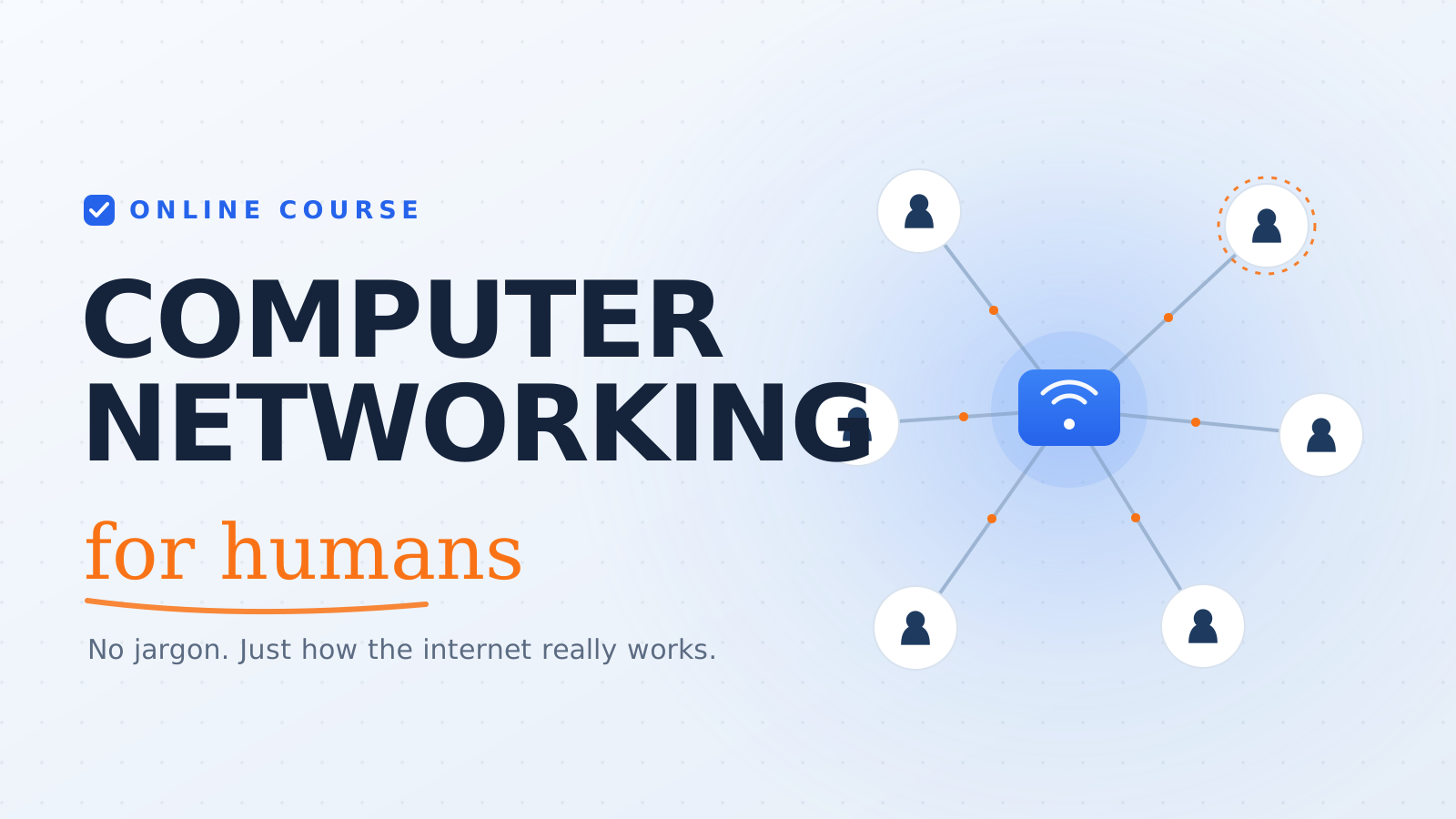
Networking for Humans

Understand how the internet actually works — and map, diagnose, and watch your own network with confidence.

4.1 (110 ratings) Created by Adam Caldwell
Beginner 50 lessons 17h 20m Updated Jun 2026 English
Preview this course
₹129 ₹599 78% off
incl. GST
left at this price!
Sign up to buy Already a member? Log in

7-day money-back guarantee

What you'll learn

Explain how data travels the internet using the post-office mental model
Tell the difference between IP addresses, MAC addresses, and ports
Map every device on your home network and how it connects
Use ping, traceroute, and nslookup to diagnose real connection problems
Read the OSI/TCP-IP layers and spot them in a real packet
Capture and read a TCP handshake and an HTTP request in Wireshark
Understand HTTP/HTTPS, DNS, NAT, DHCP, and routing in plain language
Build a personal "Internet Trip Map" you can use to troubleshoot anything

This course includes

17h 20m of on-demand content
50 lessons across 13 sections
Access on mobile and desktop
Certificate of completion
Lifetime access
Curriculum

Course content

13 sections · 50 lessons · 17h 20m

The Post Office Analogy Preview 20 min
Lab: Draw Your Home Network on a Napkin 20 min

Ethernet Cables: Cat5e vs Cat6 (Why the Click Matters) 20 min
RJ45 Connectors: Lego for Grownups 20 min
Wi-Fi Channels: Why Your Microwave Hates Netflix (2.4GHz vs 5GHz) 20 min
Lab: Untangle Your Router's Back Panel 20 min

MAC Addresses: Your Device's Fingerprint 20 min
ARP: The Detective That Links MACs to IPs 20 min
Why MAC Addresses Alone Aren't Enough for the Internet 20 min
Lab: Find Your MAC Address (Phone, Windows, Mac) 20 min

IPv4 vs IPv6 (Why We Ran Out of Numbers) 20 min
Private IPs (192.168.x.x) vs Public IPs 20 min
DHCP: The Hotel Front Desk 20 min
Lab: Find Your Private IP, Then Your Public IP 20 min

NAT: How 10 Devices Share 1 Public Address 20 min
Ports: Apartment Numbers for Traffic 20 min
Port Forwarding: Opening a Window for Your Console 20 min
Lab: Log Into Your Router (Look, Change Nothing) 20 min

Default Gateway: The Front Door 20 min
Subnet Mask: The Velvet Rope 20 min
Ping: The "You There?" of Networking 20 min
Lab: Ping 8.8.8.8 and Ping Your Router 20 min

Why You Type youtube.com Instead of 172.217.168.46 20 min
DNS Lookup: Asking 4 Servers in 0.05 Seconds 20 min
DNS Cache: Why "Flushing Your DNS" Fixes Things 20 min
Lab: Switch Your DNS to Cloudflare (1.1.1.1) 20 min

Routers vs Switches 20 min
Traceroute: GPS for Your Packets 20 min
Hops, Latency & Why Australian Gamers Suffer 20 min
Lab: Run a Traceroute to Google 20 min

TCP: Certified Mail 20 min
UDP: The Postcard (Fire and Forget) 20 min
The 3-Way Handshake (SYN, SYN-ACK, ACK) 20 min
Lab: Watch a TCP Handshake in Wireshark 20 min

The 7 Layers as a Pizza Delivery 20 min
Encapsulation: A Letter in a Box in a Truck 20 min
The Only 4 Layers You'll Actually Use (2, 3, 4, 7) 20 min
Lab: Spot the Layers in Your Own Traffic (Wireshark) 20 min

HTTP Verbs (GET, POST) 20 min
Status Codes (200 OK vs 404 vs 418) 20 min
HTTPS: The Armored Truck (TLS/SSL) 20 min
Lab: Watch Every Request in Dev Tools (F12) 20 min

The "It's Not Plugged In" Checklist 20 min
IP Conflicts: Two Devices, Same Room 20 min
Packet Loss: Why Your Voice Cuts Out on Zoom 20 min
Firewalls: The Bouncer With a Grudge 20 min
Lab: Release and Renew to Fix a Fake Problem 20 min

Final Project: Map Your Own Internet Trip 60 min

Requirements

  • No prior networking, coding, or command-line experience needed
  • A computer with internet access (Windows, Mac, or Linux)
  • Willingness to run a few simple, safe commands and sketch a diagram or two

Description

What you'll learn

A friendly, hands-on course that takes the internet from "invisible magic I'm scared to touch" to "I can map my own network, read an IP address, run diagnostic commands, and watch real packets fly." It's built for total beginners — no prior networking, coding, or command-line experience assumed. Every idea is anchored to something you already understand, starting with the post-office mental model: an address, a message, an envelope, and a carrier.

Across 50 bite-sized lessons you'll build one growing artifact — your Internet Trip Map. You add to it every section: a napkin sketch of your devices, your real MAC and IP addresses, your gateway, a DNS swap, a traceroute across the planet, and finally a labeled Wireshark capture. By the capstone it's a complete, personal picture of how your data reaches the world.

How the course is organized

Thirteen sections, grouped as four parts plus a capstone:

  1. The Ground Floor (Sections 1–3) — what a network is, the physical cables/plugs/airwaves you can touch, and MAC addresses that identify each device.
  2. Life Inside Your Castle (Sections 4–6) — IP addresses, the router as the boss (NAT, ports), and leaving home through the default gateway, ending in your first ping.
  3. The Open Road (Sections 7–9) — DNS the internet's phonebook, routing and traceroute to see every hop, and the TCP/UDP handshake (watched live in Wireshark).
  4. Peeking Inside the Envelope (Sections 10–12) — the OSI model made painless, HTTP/HTTPS web traffic unmasked, and a calm troubleshooting + basic-security checklist.
  5. Capstone (Section 13) — a solo final project where you assemble everything into your finished Internet Trip Map and explain what happens when you load a website.

Who this is for

Curious non-technical people, new IT/help-desk folks, students, and anyone who has never thought about what happens after they hit Enter. If you've only ever "plugged it in and hoped," this is your on-ramp — it starts from first principles and never assumes you've seen a command line before.

Format

Bite-sized and active: ~15–25 minutes per lesson, every one ending with you doing something. You'll run real tools on your own machine — ping, traceroute/tracert, nslookup, and ipconfig — and install one free tool, Wireshark, late in the course to capture and read live packets. The only prerequisites are a computer, a home router you can look at, and a willingness to type a few safe commands and sketch a diagram or two.
Your instructor
A

Adam Caldwell

Author & instructor

4.1 course rating 3 courses

Creates rigorous, project-based courses that prioritize shipping over watching. Reach out with feedback once you finish — that loop is half the value.

4.1 course rating · 110 ratings

M
Mrs. Tiara Cronin
3 months ago

Average. The instructor is clear, but a few more concrete examples would have helped a lot.

Helpful?
J
Jovani Grant
3 months ago

Decent course. It covers the basics well, but I expected a bit more depth in the later sections.

Helpful?
I
Irma Little Jr.
1 year ago

Superb. The instructor is engaging and the projects reinforce exactly what you need to remember.

Helpful?
W
Wendell Cruickshank
1 year ago

Loved every lesson. Concise, practical, and immediately applicable to my day-to-day work.

Helpful?

Frequently asked questions

Yes — once you enroll, the course is yours to revisit forever. New revisions and bonus lessons are added at no extra cost.

Finish every lesson and you'll unlock a shareable certificate you can post on LinkedIn or include with job applications.

If the course isn't a fit, request a refund within 7 days of purchase — no questions asked.

Code, slides, and worksheets are downloadable on each lesson page. Videos stream from our CDN so you can watch on any device.

Each course states its level in the hero. If you're comfortable with the prerequisites listed, you're ready to start.

Students also bought

Intermediate
AI

Short-Form Video Creation with AI

4.1 (94)

Go from zero to a repeatable short-form video system: write scroll-stopping hooks, turn one ide...

15h 35m Riya Kapoor
₹199
Intermediate
AI

Building AI Agents with LLMs

4.0 (101)

Build Aria, a real AI assistant, layer by layer — from prompt engineering and the LangGraph age...

16h 14m Marcus Chen
₹399
₹129 ₹599
Sign up to buy